Overview
This article details the process for accessing the GFI Support Portal while logged into the GFI Accounts Portal.
Prerequisites
Valid login credentials will be needed for both the GFI Support Portal and the GFI Accounts Portal
Solution
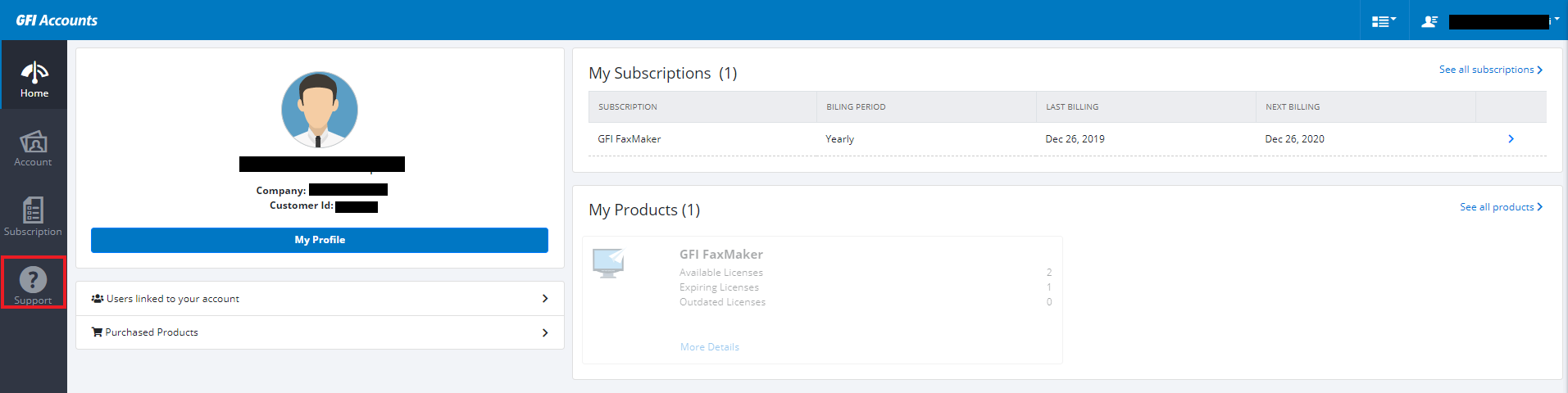
While logged into the GFI Accounts Portal, select the Support icon on the left ribbon. It has a question mark in a circle like the image below.
Confirmation
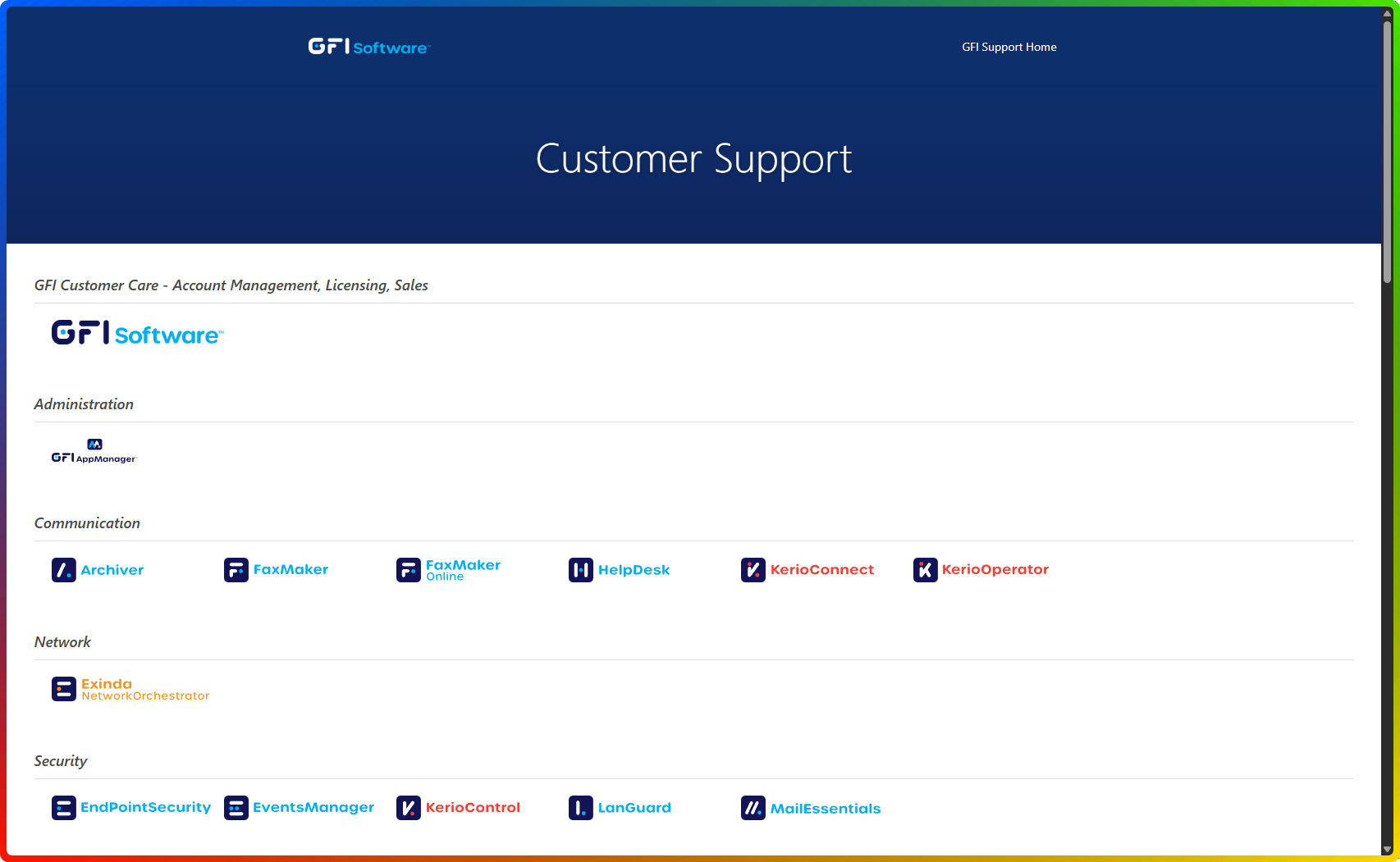
After the support icon has been selected, you will be redirected to the main GFI Support Portal. You will need to first select the product for which you seek support, and then you will be able to login and interact with the AI Assistant.
Ciprian Nastase
Comments