This article provides information on how to request a trial license key for GFI, Kerio, and Exinda products for a new customer.
Note: A previously fully licensed installation will not permit the use of a trial license key.
Process
Important: Exinda trials are requested using the process outlined in the Licensing a Newly Installed Exinda Virtual Machine article.
-
Navigate to the All GFI products page.
-
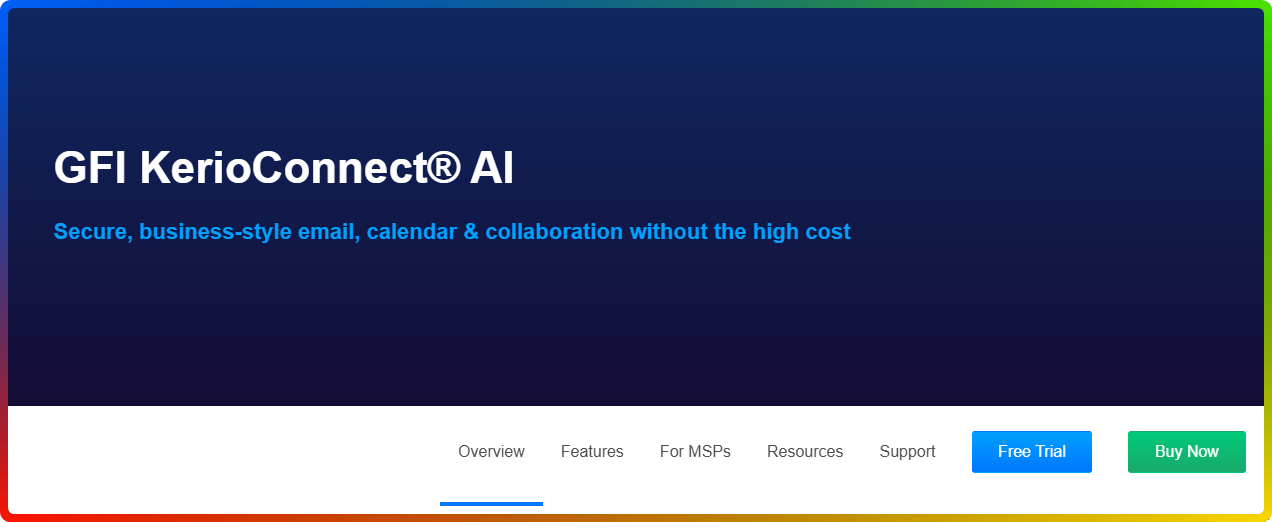
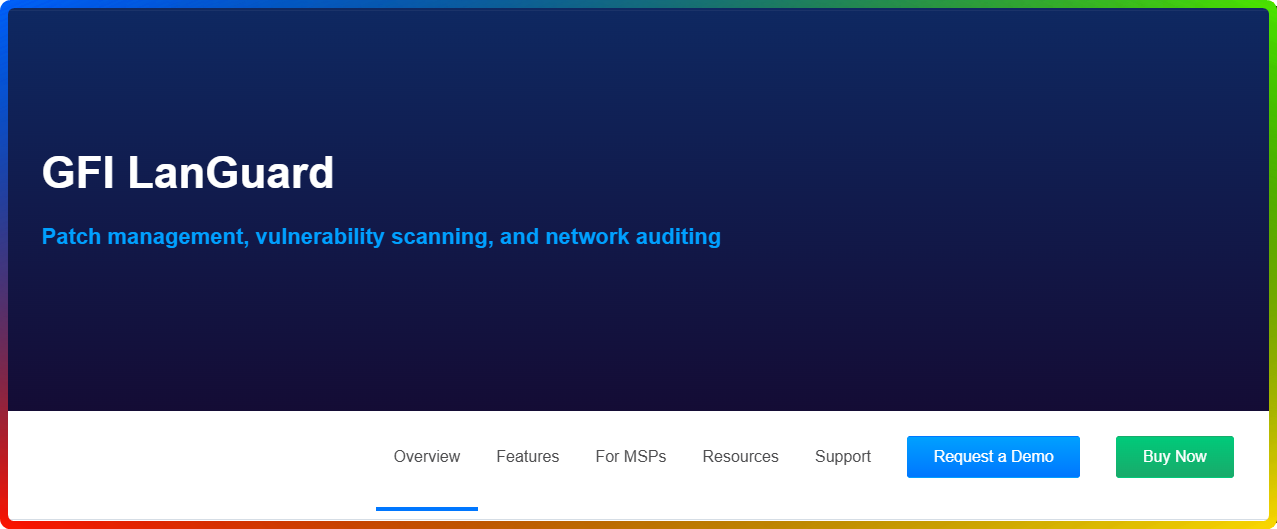
Locate the product you are interested in and select Free trial or Request Demo.
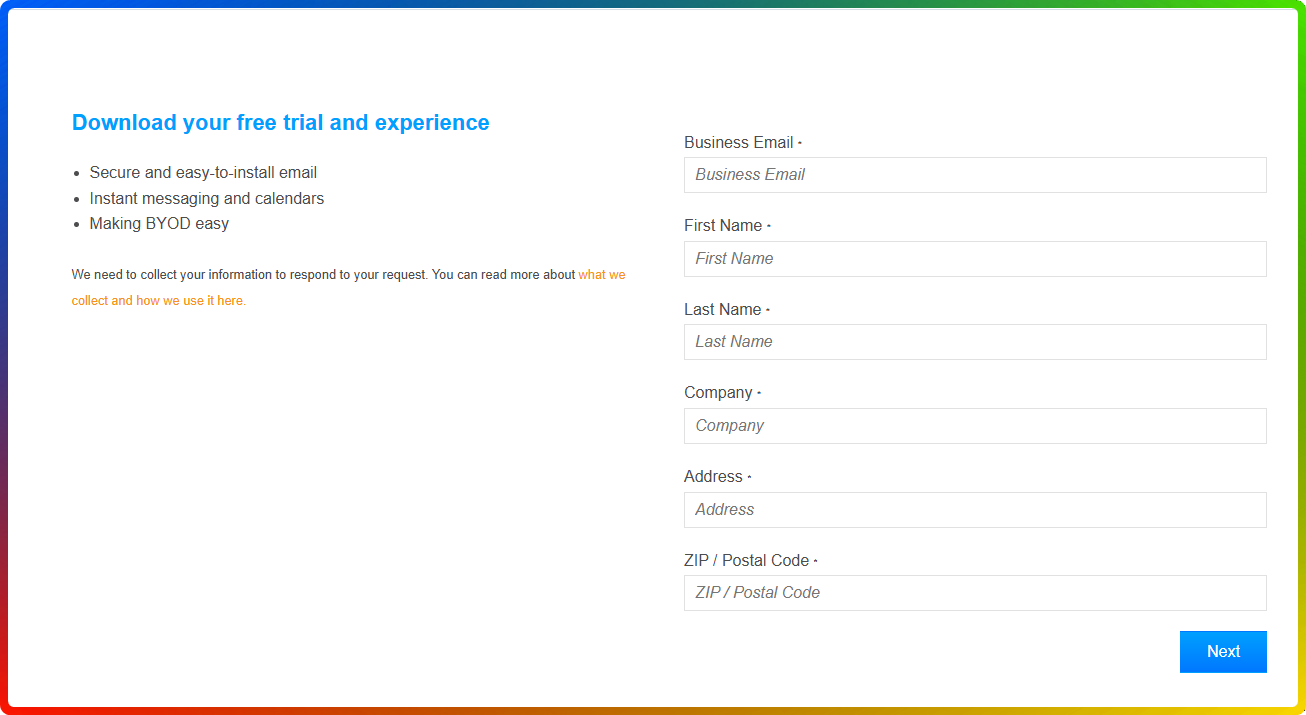
- Fill out the form with Business Email, First Name, and Last Name and any other required details.
-
Select Next and then Start my free trial (The trial license key will be emailed to you on the email address provided.)
OR -
Select Have an expert contact me - some products will require interaction of our Sales team for trial generation.
Ciprian Nastase
Comments